Skywalker V2 HiBean Firmware Installation

Requirements
This is still in Beta and code is still being worked on. Please report any issues you have to our Community Discord.
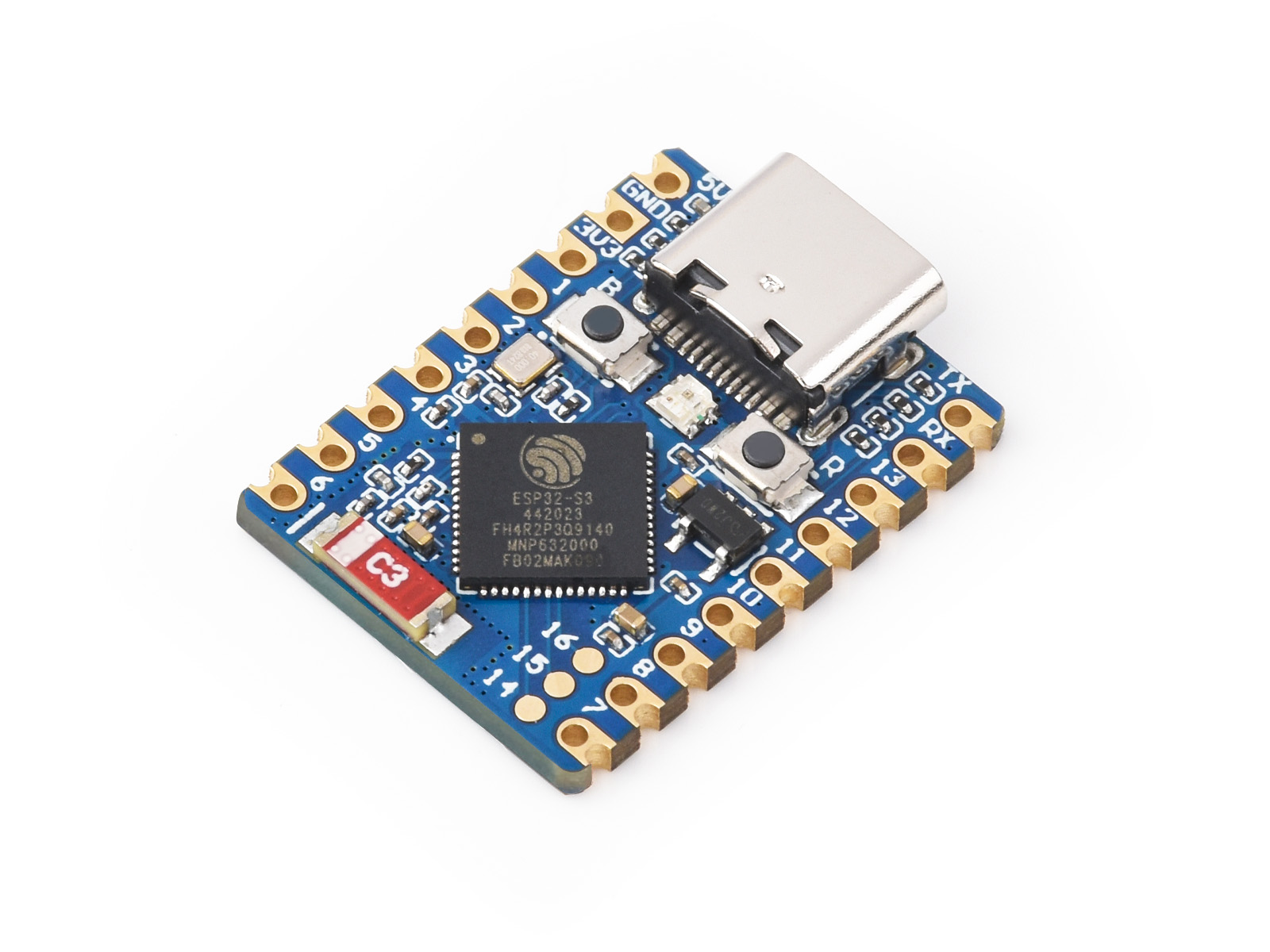
- ESP32-S3: Ensure you have the ESP32-S3 board and a USB cable.

- Power Data Y Cable

- Binary File Link:
Bear - Browser: Use Google Chrome or Microsoft Edge (supports Web Serial) ESPHome.
Steps
1. Download the Binary File
- Open the GitHub link: TBA
- Click on the download raw file icon to download


2. Open ESPHome Web
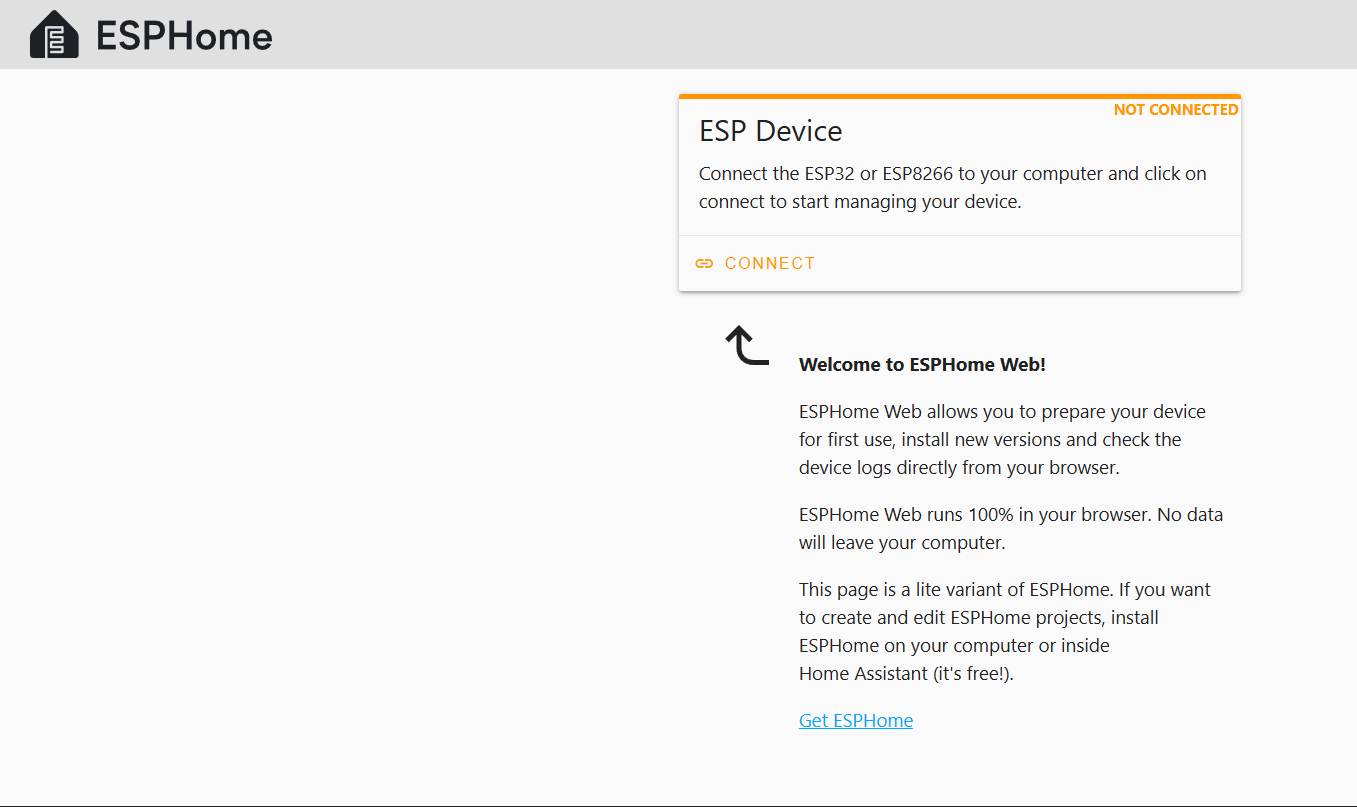
- Go to ESPHome Web in your Chrome or Edge browser.
- Make sure your ESP32-S3 is connected to your computer using a USB cable.
3. Connect the ESP32-S3
- On the ESPHome Web page, click the Connect button.

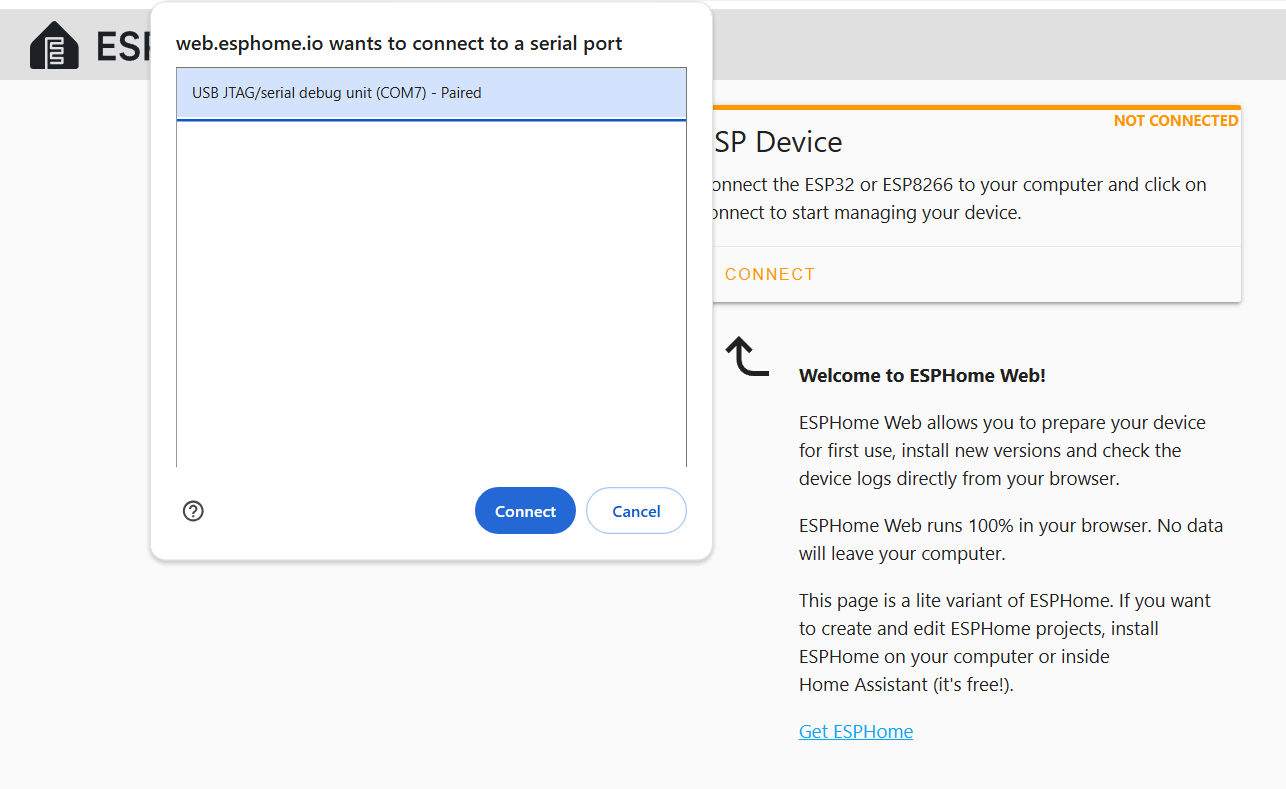
- A pop-up will appear with available devices. Select the port for your ESP32-S3 and click Connect.

4. Install the Binary File
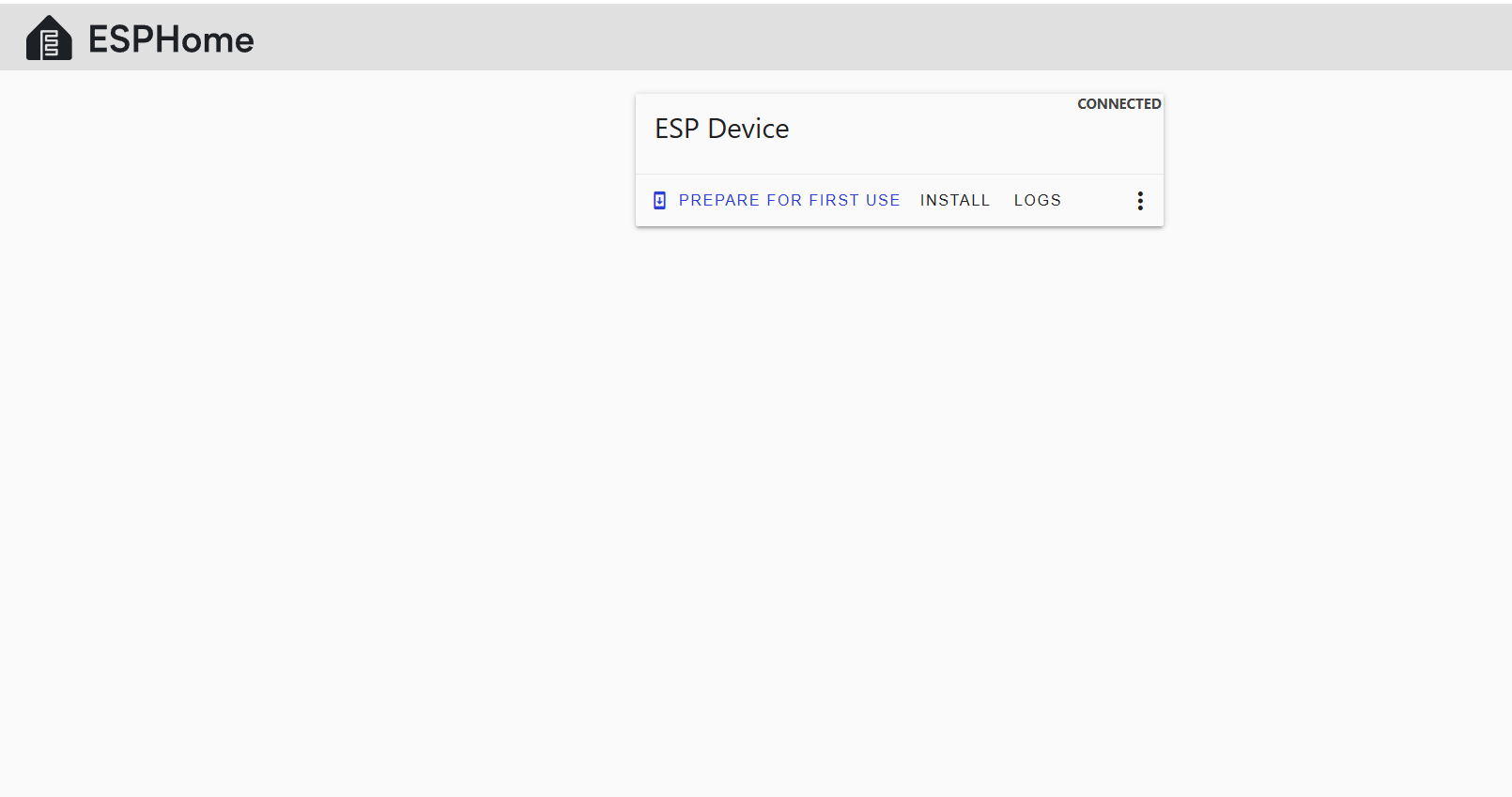
- Once connected, click Install.

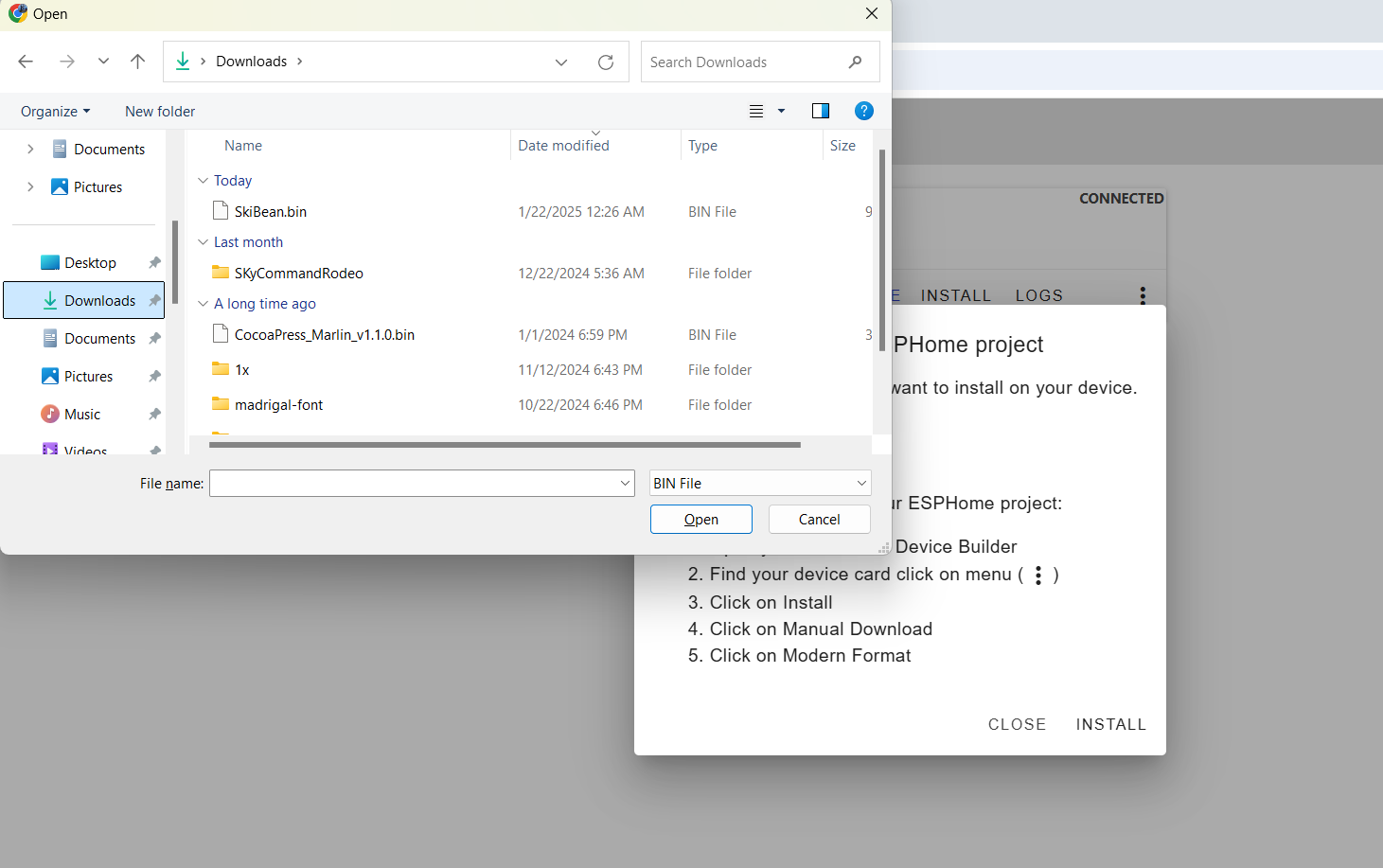
- Choose File when prompted
- In the file selection dialog, locate and select the
SkiBean.binfile you downloaded earlier.

- Click Install to start the flashing process.
-


5. Flash the Firmware
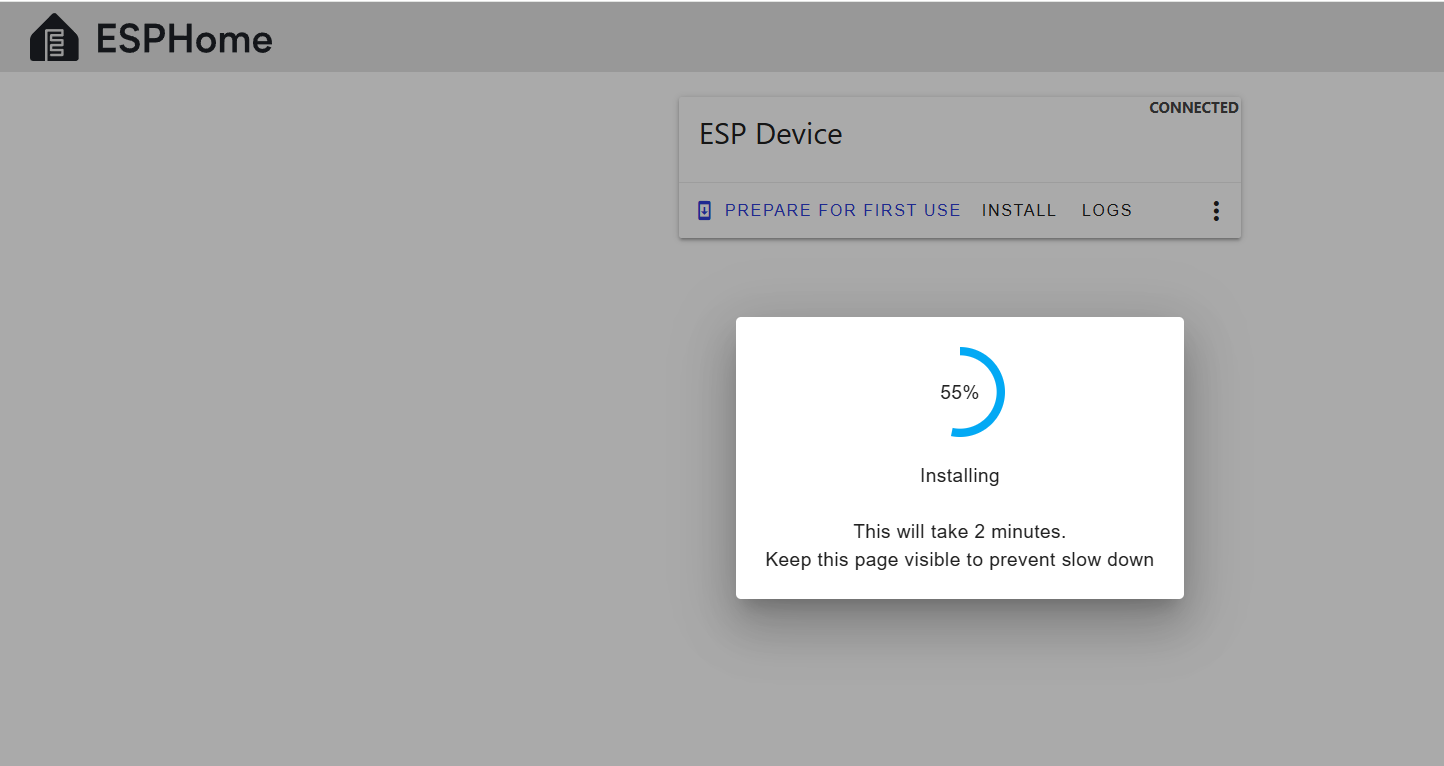
- ESPHome Web will erase the existing firmware and flash the
SkiBean.binbinary.

- The flashing process may take a few minutes. Wait for it to complete.
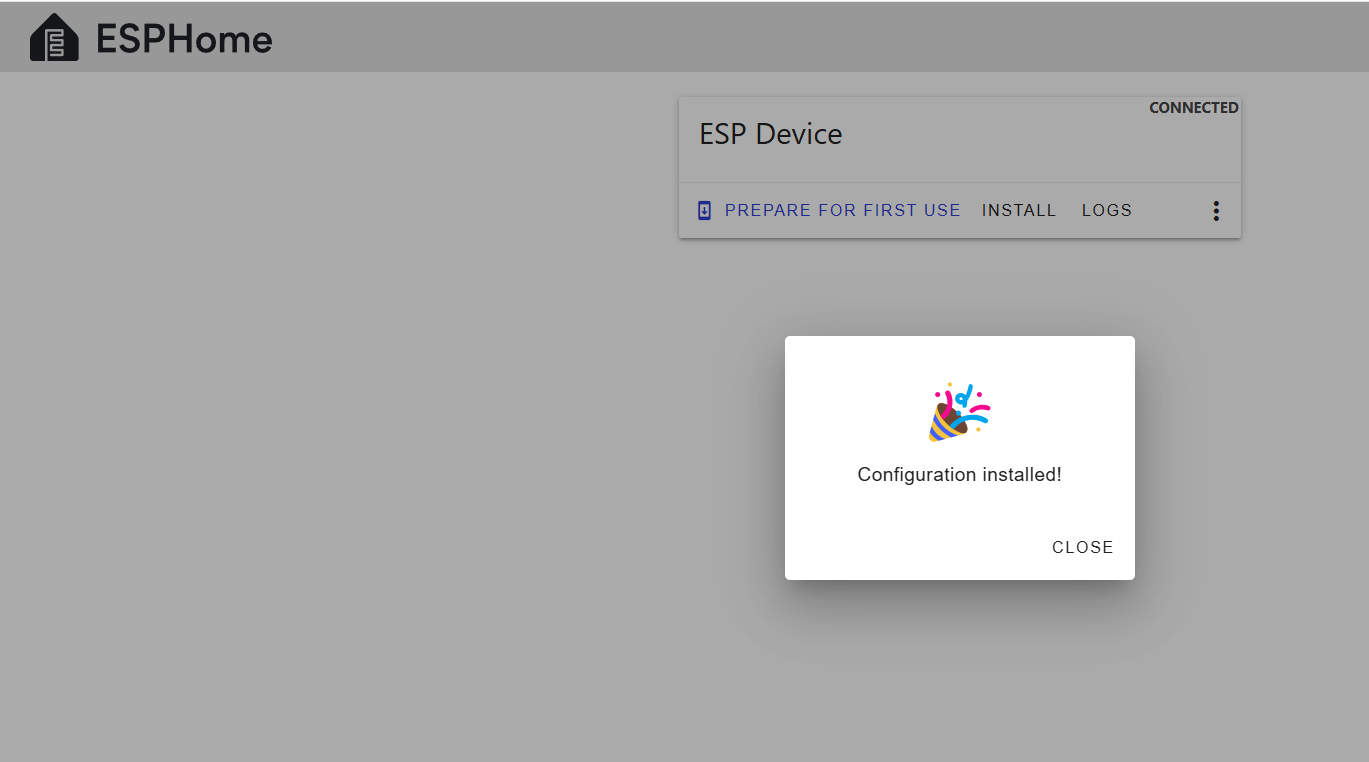
- After successful installation, a success message will appear.

Direct Link to Binary File
Troubleshooting
- Device Not Recognized: Ensure your USB cable supports data transfer.
- Flashing Errors
-
Hold BOOT and press RESET (recommended method):
- Hold down the BOOT button.
- While holding BOOT, press and release the RESET button.
- Continue holding BOOT for a second, then release it.
-
-
-
Unplug and replug while holding the BOOT button:
- Disconnect the ESP32-S3 from power (USB).
- Press and hold the BOOT button.
- While holding BOOT, plug the USB back in.
- Once connected, release the BOOT button.
-
- Let me know if you encounter issues or need further help!